 JARIYAH
A masjid WhatsApp channel, and where Jariyah fits
Jariyah does not post to your WhatsApp channel; an admin posts there from WhatsApp. Jariyah puts the channel on your kiosk as a QR code and on your website, keeps each event and iqamah in one record for the member app, the wall screen and the site, and reminds the members who turn reminders on before each iqamah.
In WhatsApp’s own words
What is a WhatsApp channel, for a masjid?
WhatsApp calls a channel “a simple and private way to get useful updates from the people and organizations you care about.” For a masjid, that is a place for notices that members follow, kept apart from the chats people talk in, where followers cannot see one another and a follower’s number is seen only by admins who have them saved.
Followers stay private
WhatsApp: “Only you can see what channels you follow. Your phone number stays private, and only admins that have you saved as a contact can see it.” WhatsApp’s page on channels
Away from the chats, and muted
WhatsApp: “Channels are in the Updates tab, away from your personal chats and calls, and channel notifications are muted by default.” WhatsApp’s page on channels
Found by a link or a QR code
WhatsApp: “Share your channel link or unique QR code on your Status and in your personal chats so more people can find your channel.” WhatsApp’s page on channels
A group is for talking
WhatsApp says you can “invite up to 1000 people to your WhatsApp group”, where the members talk to one another. WhatsApp’s page on groups
Your channel and Jariyah
How does a masjid’s WhatsApp channel work with Jariyah?
Jariyah does not post to your WhatsApp channel; an admin posts there from WhatsApp. Jariyah puts the channel where people already look, on the kiosk and the website, and keeps the news a post points to in one place, read by the member app, the wall screen and the website alike.
On the kiosk, as a QR code
Your channel can be one of the donation kiosk’s Follow us tiles: a QR code a visitor scans at the door to follow it, set for each building.
On your website
With Jariyah Website, the channel sits with your other profiles as an icon in the site’s header and footer, the icon chosen from the channel’s own address.
In the member app
The app can carry your masjid’s WhatsApp number as a row that opens a chat with it, and a link to the app shared in WhatsApp shows your masjid’s own name and mark.
Reminders on members’ phones
Members who turn reminders on in the app get one before each iqamah, each Jumu’ah sitting on Fridays, and before an event with a start time, with your masjid’s name on it. On an iPhone, once the app is on the Home Screen.
One record, every screen
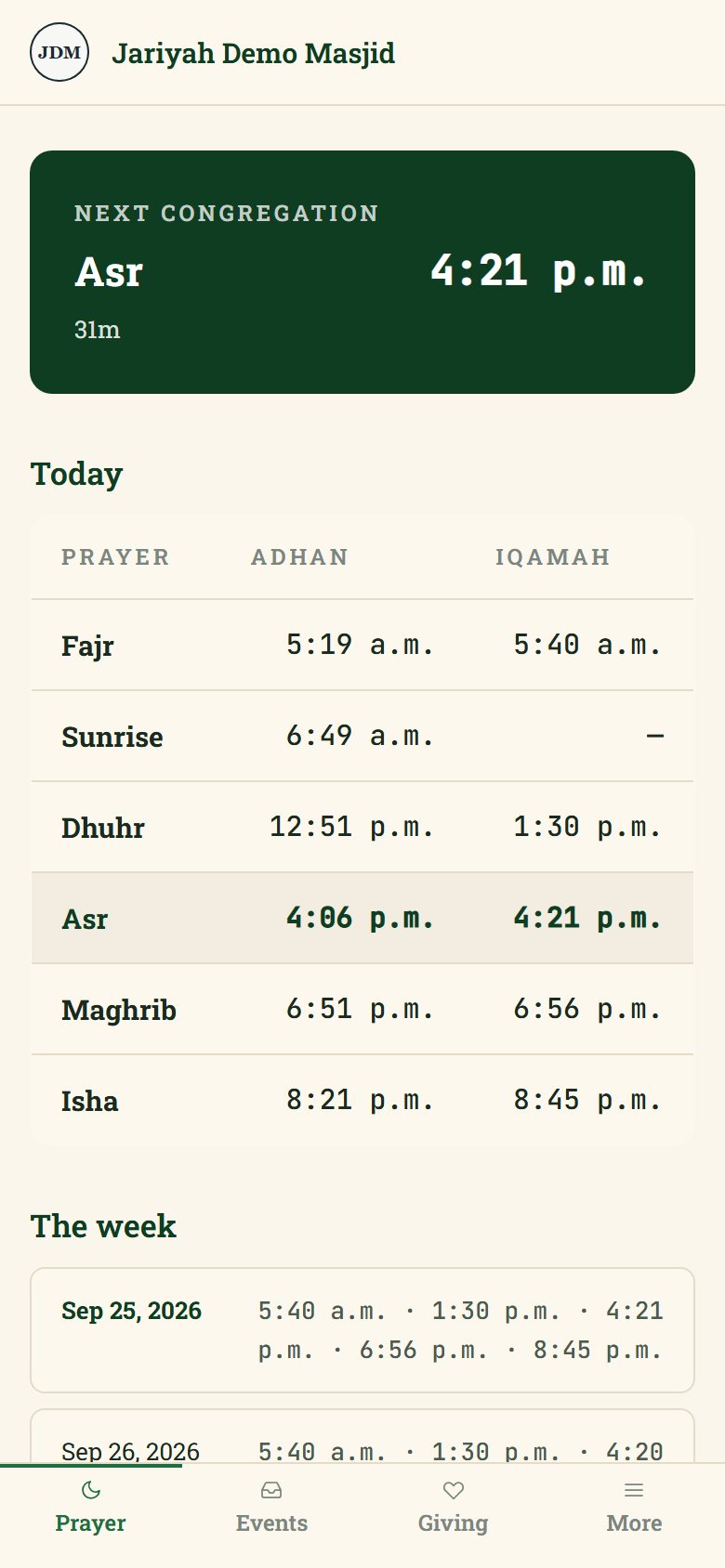
Prayer times and published events are kept once in the console and shown on the member app, the wall screen and the website by themselves, unless the office keeps an event off the screens, so a channel post can point to the page that is already right.
Notices on the website
A notice for the whole masjid, such as a parking notice, shows on your website as a banner above the header for the dates you choose.
Questions
Masjid WhatsApp channels: common questions
Should a mosque use a WhatsApp channel or a WhatsApp group?
A channel for notices, a group for talking. WhatsApp keeps a channel’s followers out of sight of one another, shows their numbers only to admins who have them saved, and mutes channel notifications by default; a group of up to 1000 people is where members talk to one another. Which suits your masjid is the board’s choice.
Can Jariyah post our Jumu’ah reminder to WhatsApp?
No. Jariyah does not post into a WhatsApp channel or group; your channel’s admin posts there. What Jariyah sends is the member app’s reminder: before each iqamah, with each Jumu’ah sitting in place of Dhuhr on Fridays, to members who turned reminders on, 15 minutes before by default and set by your office between 5 and 60.
How do members find our WhatsApp channel?
By its link or its QR code, which WhatsApp lets an admin share. With Jariyah, the channel can also be a QR code on your donation kiosk’s Follow us tiles and an icon in your website’s header and footer, so a visitor at the door or on your site finds it without being sent the link.
Does Jariyah see who follows our WhatsApp channel?
No. Jariyah does not connect to WhatsApp at all: it shows your channel’s address as a link and a QR code, and nothing more. Who follows the channel is between WhatsApp and the follower, and WhatsApp says a follower’s number is seen only by admins who have them saved as a contact.
Can we post once to the website, the wall screen, the app and WhatsApp?
Partly, today. Prayer times and published events are kept once and shown on the member app, the wall screen and the website by themselves. An announcement reaches the website only so far; on the wall screen, the kiosk and the app it is not built yet. WhatsApp gets its post from your channel’s admin, who can link to the page.
Talk to us
Bring your masjid’s news together
Tell us where your masjid shares its news today, and we will show you the member app, the wall screen and the website reading one schedule, with your WhatsApp channel on the kiosk and the site.